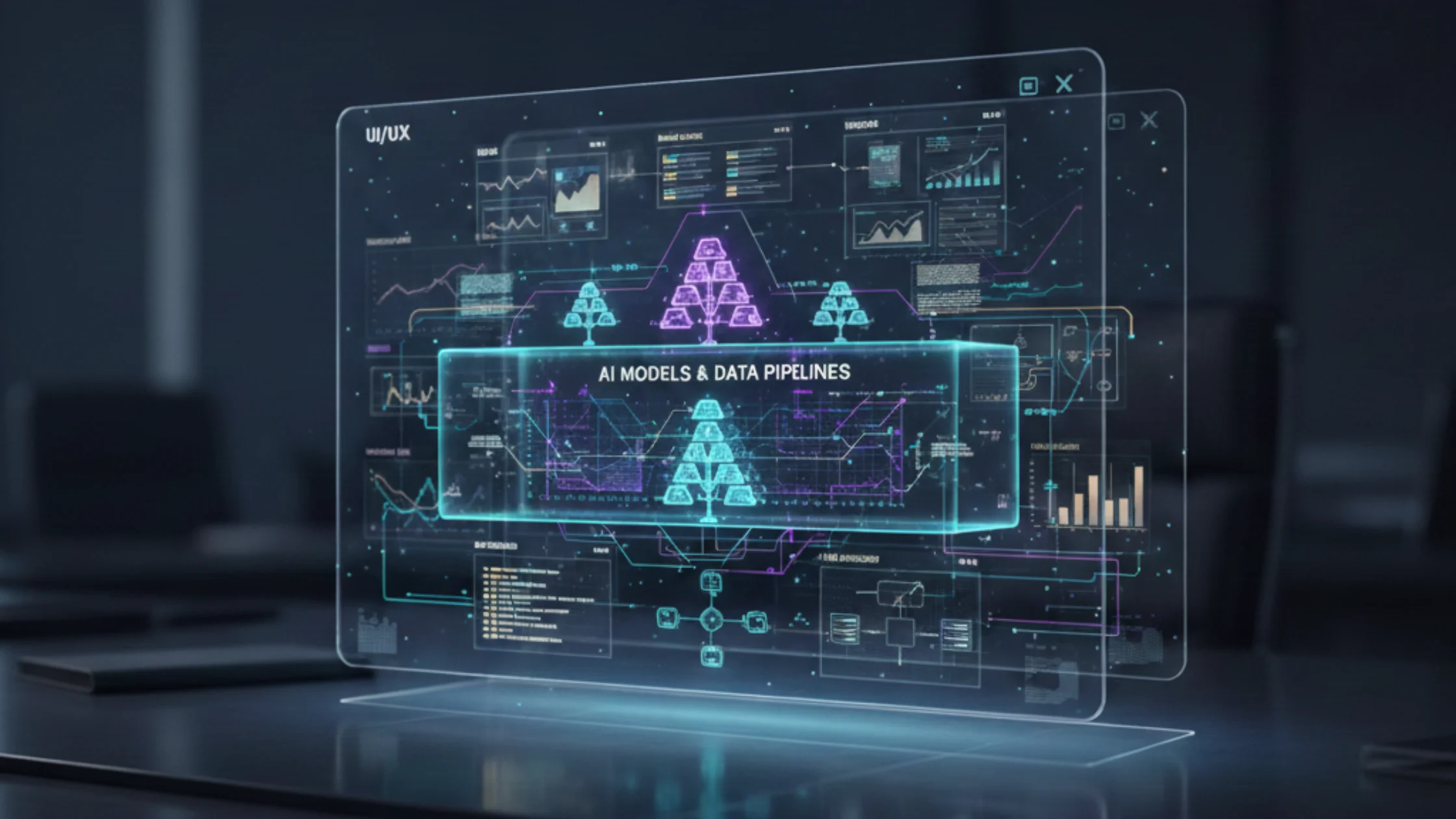
AI has officially moved from “feature experimentation” to “product architecture.” In 2026, the most competitive apps will be designed around AI-native workflows inclusive of personalization that adapts in real time, copilots that reduce user effort, and automation that turns messy inputs (text, voice, images) into actions. This shift is what AI-driven app development really represents, which is building applications where intelligence is embedded into the experience layer, the data layer, & the operating model.
For enterprises, the stakes are even higher. Leaders want measurable improvements in the form of faster cycle times, better decisioning, & lower operational costs without creating new risks around privacy, compliance, or model reliability. That’s why AI adoption is increasingly tied to enterprise app development services that can deliver scalable architecture, governance, and MLOps, not just UI changes.
This guest post breaks down the top use cases shaping AI-powered apps in 2026 and the best practices that separate durable products from short-lived demos.
What’s Different About AI-Driven Apps in 2026?
A few structural shifts are driving the next wave of AI in mobile app development:
- Natural language as a UI layer
Users increasingly expect to “ask” rather than “click.” But the real value comes when language interfaces can safely execute workflows such as creating a ticket, generating a quote, and reconciling an invoice, not just answering questions.
- Multimodal inputs are mainstream
Text alone is not the interface. AI-driven apps increasingly accept voice notes, screenshots, PDFs, and camera input, then extract meaning and trigger actions.
- The app becomes adaptive
Apps adjust content, prompts, and workflows based on user behavior, context, and outcomes to make “one-size-fits-all” UX feel outdated.
- Intelligence needs an operating model
In production, models drift, costs fluctuate, & regulatory expectations evolve. AI is now an operational system that must be monitored like any other mission-critical service.
High-Impact Use Cases for AI-Driven App Development in 2026
AI Copilots for Workflow Acceleration
The most visible use case is copilots embedded directly into app workflows:
- drafting emails, reports, and proposals
- summarizing meetings and tickets
- creating tasks and workflows from unstructured input
- generating code snippets or configuration templates for power users
The key is not the text generation, it’s integration. Copilots add real value when they can take action inside the product with user-approved steps.
Hyper-Personalized Experiences That Actually Convert
Personalization has existed for years, but AI now enables:
- dynamic onboarding based on user intent and experience level
- personalized recommendations tied to predicted outcomes (not just history)
- adaptive UI that surfaces the next best step (especially on mobile)
These are not “nice-to-haves.” Done well, they lift retention and reduce time-to-value – critical outcomes for consumer apps and enterprise tools alike. Unlocking hyper-personalization with AI enables future-ready app development.
Intelligent Automation for Operations-Heavy Apps
AI-driven apps increasingly automate business operations:
- invoice and document processing (OCR + extraction + validation)
- customer support triage and resolution suggestions
- claims intake and damage assessment (image-based)
- compliance workflows (policy checks, anomaly flags)
This is where enterprise app development services often focus first because ROI is clearer and measurable.
Predictive Features Embedded in the Product
In 2026, predictive capability is becoming a baseline expectation in enterprise-grade apps:
- churn risk signals
- demand and inventory forecasts
- lead conversion likelihood
- anomaly detection (fraud, spend anomalies, operational failures)
These features reduce reactive firefighting and move teams toward proactive operations.
Multimodal Search and Retrieval Inside Apps
Users don’t want to “hunt” for information. AI-driven apps are enabling:
- semantic search across documents, tickets, chats, and knowledge bases
- “ask your data” experiences grounded in approved sources
- contextual retrieval that respects role permissions
This pattern is foundational for enterprise knowledge apps, and it’s increasingly important for mobile experiences where screen real estate is limited.
Best Practices: Building AI-Driven Apps That Hold Up in Production
1. Start With a Clear AI Value Hypothesis
AI should be tied to one of three outcomes:
- reduce user effort (automation, copilots)
- improve decision quality (predictive insights)
- increase speed-to-outcome (retrieval, summarization, smart workflows)
If you can’t define the benefit in measurable terms, you risk shipping AI “decorations.”
2. Design for Trust: Explainability + Evidence
Users will not adopt AI suggestions that feel opaque. Build:
- “why this recommendation” explanations
- citations to source data (for retrieval-based answers)
- confidence indicators and fallbacks
- clear boundaries: what the system can’t do
Trust UX is a product feature, not a compliance add-on.
3. Use a Tiered Model Strategy to Control Cost & Latency
Not every workflow needs the most expensive model.
- lightweight models for classification/routing
- mid-tier models for structured extraction and drafting
- advanced models for complex reasoning or high-stakes synthesis
This improves responsiveness and unit economics, especially important for a mobile app development company delivering consumer-scale experiences.
4. Ground Generative Experiences with Reliable Context (RAG Done Right)
If the app generates answers or guidance, it must be grounded:
- approved knowledge sources only
- strong chunking and retrieval tuning
- access control enforced at retrieval time
- continuous evaluation for hallucination risk
This is essential for enterprise apps where incorrect outputs can create operational or legal risk.
5. Build MLOps From Day One
Production AI requires:
- model and prompt versioning
- monitoring for drift and performance decay
- automated testing and regression checks
- rollback and incident response playbooks
If your release pipeline cannot safely ship updates, AI velocity becomes a liability.
6. Handle Privacy and Compliance as Architecture
Especially for enterprise apps:
- PII detection and redaction
- encryption at rest and in transit
- strict RBAC/ABAC permissioning
- audit logs for AI actions (inputs, outputs, approvals)
The more AI takes action, the more governance matters.
7. Keep Humans in the Loop for High-Stakes Decisions
For sensitive workflows (payments, eligibility, compliance, medical, legal):
- AI should recommend, not decide
- enforce approvals and review queues
- define escalation paths and overrides
This prevents automation bias and improves safety.
How to Choose the Right Implementation Partner
If you’re evaluating enterprise app development services or a mobile app development company for AI buildouts in 2026, look beyond “we use AI.” Ask:
- How do you evaluate and monitor model behavior over time?
- How do you handle RAG security and permissions?
- What’s your strategy for latency and cost optimization?
- What does your MLOps pipeline look like?
- How do you design trust UX to drive adoption?
- Do you have expertise in building apps for foldables and wearables?
The differentiator in 2026 will be operational maturity, not model access!
The Bottom Line
AI-driven app development is no longer about whether to adopt AI, but how to operationalize it responsibly at scale. The organizations that will lead this shift are those that treat AI as critical infrastructure and invest equally in the intelligence layer, the governance model, and the user trust framework.
For product leaders and engineering teams, the path forward is clear: start with measurable value hypotheses, build with production-grade infrastructure from day one. and design experiences that users can trust and understand. Understood everything about AI app development? Explore more insightful blogs at AppFirmsReview.
FAQs
1. What is AI-Driven App Development in 2026?
AI-Driven App Development in 2026 refers to building applications where artificial intelligence is embedded directly into core workflows rather than treated as an add-on feature. This includes automation, personalization, intelligent retrieval, and predictive insights, all supported by production-grade architecture, observability, security controls, and continuous monitoring to ensure reliability at scale.
2. Which AI use cases typically deliver the fastest ROI for enterprises?
The fastest ROI usually comes from automation-heavy and high-volume workflows. Common examples include document and data processing, customer support triage, compliance and risk checks, anomaly detection, and internal AI copilots. These use cases reduce manual effort, improve accuracy, and scale efficiently across teams.
3. How do you prevent hallucinations in AI-powered applications?
Hallucinations can be reduced by grounding models with techniques such as Retrieval-Augmented Generation (RAG) using approved and curated knowledge sources. Additional safeguards include access control at retrieval, citation display, confidence-based fallbacks, human-in-the-loop validation for critical outputs, and continuous evaluation using real user queries.
4. How should teams manage AI costs and latency in mobile applications?
Cost and latency can be controlled through a tiered model strategy, routing tasks to the smallest model that meets quality requirements. Teams should cache repeated outputs, minimize unnecessary generation, optimize payload sizes, and apply on-device or edge processing where feasible to reduce network and inference overhead.
5. What should be included in MLOps for AI-driven apps?
MLOps for AI-driven applications should include model and prompt versioning, automated testing, monitoring for data drift and output quality decay, comprehensive logging and audit trails, rollback mechanisms, and incident response processes. AI systems should be treated as critical production services with the same rigor as core infrastructure.