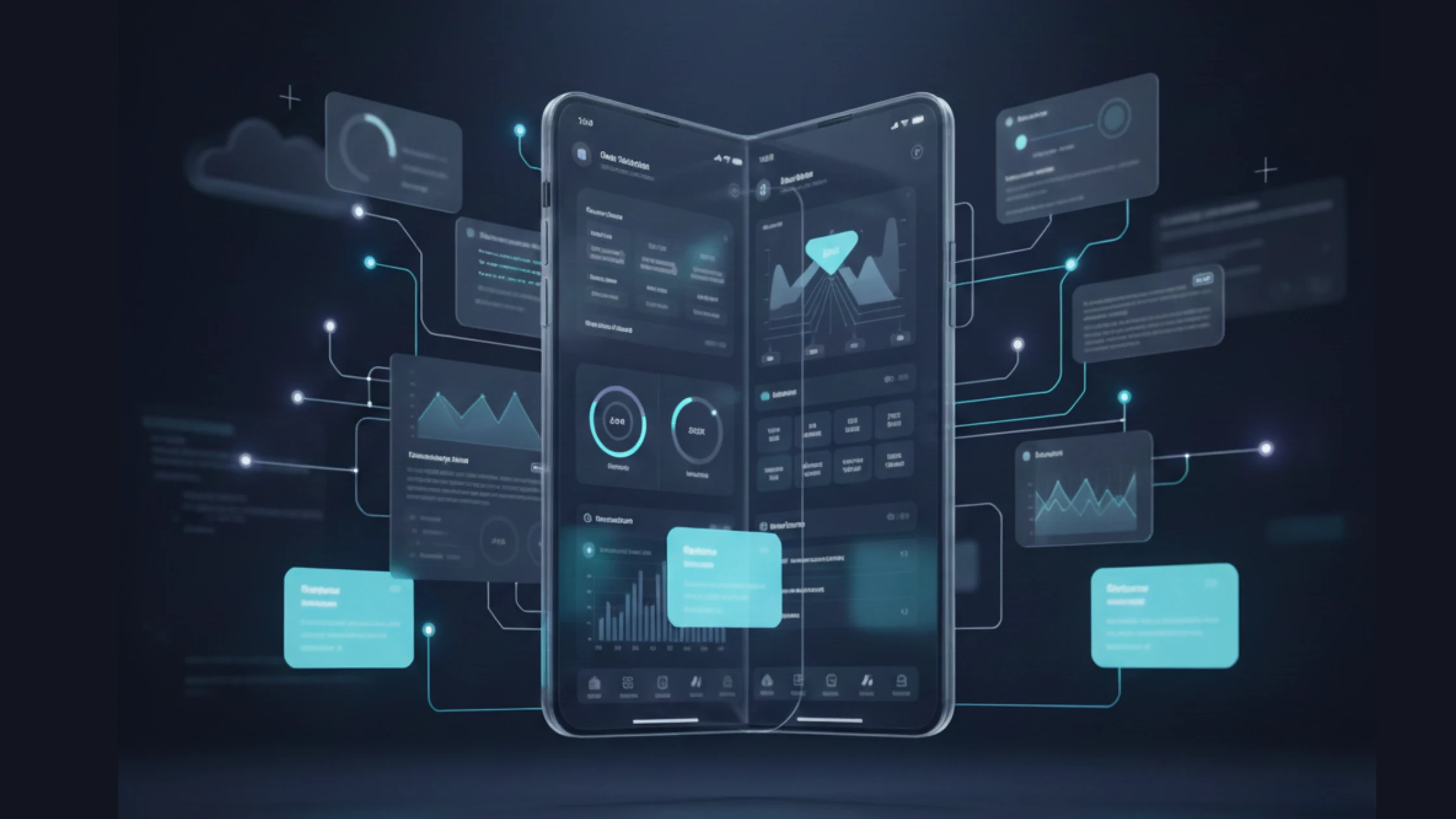
When it comes to building rapid, responsive, and intelligent cross-platform applications, Flutter is the best and go-to choice for many growing startups and evolving enterprises. And, according to a Gartner report, nearly 80% of businesses are leveraging AI to enhance their user experiences and gain a competitive edge in today’s highly competitive mobile industry.
This rapid adoption of AI directly increases the demand for building AI-powered iOS and Android apps using Flutter cross-platform app development. With increasing app development complexities and time-to-market, Flutter enables businesses to deliver apps that have high-level personalizations and offer real-time insights to their end users.
But the main question is: how can businesses effectively leverage Flutter to build AI-powered iOS and Android apps, while maintaining the app’s performance and efficiency levels? This blog will help you understand the term “Flutter Cross-Platform Mobile App Development”, its key benefits, and app development steps to follow for building next-gen Flutter AI-powered apps.
Understanding the Term “Flutter Cross-Platform Mobile App Development”
Cross-platform mobile app development that utilizes Flutter technology allows your development teams to create a single codebase and run it on multiple platforms or devices. By leveraging Flutter app development services, your teams can simplify the process as it lets you build iOS and Android apps using a single codebase.
It has a rich and widget-based toolkit that is known for delivering visually consistent and native-like compiled interfaces. This makes it easier for your team to build fast, scalable, and responsive Flutter mobile apps.
Flutter cross-platform mobile app development has been proven ideal for developing robust apps that seamlessly integrate with popular IDEs, such as Visual Studio Code and Android Studio. Moreover, Flutter cross-platform framework that runs on Dart and can easily embed intelligent AI models without affecting the apps’ UI and UX design and performance, and speed.
Why Flutter Is the Backbone of AI-Powered iOS & Android Apps
Businesses often rely on Flutter + Firebase real-time app development to deliver users with real and instant data-driven experiences. For businesses, developing AI-powered mobile apps with Flutter and Firebase enables seamless and real-time data synchronization, intelligent feature delivery, and a consistent performance across both iOS and Android platforms.
With its reactive UI framework nature, it ensures that AI-generated insights are instantly reflected within the app interface. Below are the key benefits that Flutter offers to build user-centric and AI-driven iOS and Android apps:
1. Native-Like User Experience
Flutter has a widget-based architecture that renders UI components directly with its own high-performance rendering engine. It allows AI-powered apps to deliver smooth animations and responsive user interactions, ensuring that the overall user experience remains fast and intuitive.
2. Real-Time Data Processing
By leveraging AI-driven mobile applications, you can provide real-time notifications, insights, and alerts to your end user base. It also offers real-time backend services like Firebase, which enables continuous synchronization and works as an enabler of Enterprise AI transformation.
3. Scalable AI Integration
Flutter cross-platform mobile app development easily integrates AI and advanced machine learning models and can deploy them across both popular platforms, that is, iOS and Android. When your business is ready to evolve with changing user needs and requirements, utilizing Flutter and AI in mobile app development is critical.
You should consider partnering with one of the best Flutter app development companies. This is because they can help you to easily scale your mobile app and update, and add new intelligent workflows, without affecting the app’s main architecture.
Steps to Build AI-Powered Cross-Platform Mobile Apps with Flutter
Building AI-powered iOS and Android apps using Flutter requires your development team to implement a strategic approach. Below are the key steps that make your app development process seamless so that it balances performance, scalability, and intelligent feature integration. So, let’s deep dive into these app development steps:
1. Defining the Core Application Goals
Start by identifying the core problem your app will solve and what its core functionalities are. You will also need to define the types of AI features to implement within the mobile app. Some of these you can utilize are as follows:
- Personalization
- Predictive analytics
- Automation
- Real-time recommendations
Implementing these AI advanced features will help your development team determine the right AI models and data requirements in the early development phase.
2. Designing a Scalable Flutter App Architecture
Your development team is required to choose a clean and modular Flutter architecture that supports various capabilities, such as state management, API integrations, and future AI scalability. By designing and utilizing a well-planned app architecture structure, your team can ensure smooth performance, even when you scale with evolving user demand.
3. Integrating AI and Machine Learning Models
AI models can be integrated using cloud-based AI services or on-device machine learning frameworks. However, it depends on the type of data privacy requirements and the performance of your application. With Flutter’s own rendering engine, reusable plugin ecosystem, and platform channels, your team can allow seamless communication between the app and AI workflows and engines.
4. Enabling Real-Time Data Synchronization
For businesses, having a reliable backend is essential to support smart decision-making and real-time data flow within the mobile app. This is why you need to leverage real-time backend services that sync live data between users, AI models, and the app interface. It will also ensure AI-driven insights, such as predictions or recommendations, are updated instantly within the Flutter UI.
5. Testing, Optimizing, and Deploying the App
The last and main step of your Flutter cross-platform mobile app development is to conduct an end-to-end thorough testing phase. For this, you need to perform rigorous testing for performance, security, and AI accuracy. After conducting extensive testing and optimizing the app, your team can deploy the app simultaneously on iOS and Android using Flutter’s single codebase. This leads to faster time-to-market.
Closing Statement
Cross-platform mobile app development with Flutter has become a strategic choice for businesses aiming to build AI-powered iOS and Android apps in 2026. However, successfully implementing Flutter with AI requires more than selecting the right framework; your development team needs to lay down a clear and well-defined development strategy.
By understanding Flutter’s cross-platform mobile app development strategy and designing a robust and scalable app architecture, your development team can reduce app development complexity and accelerate time-to-market. At AppFirmsReview, we help businesses discover leading mobile app development companies that use proven development strategies that align with their goals, ensuring scalable, future-ready mobile apps that deliver long-term value.
FAQs
1. What is cross-platform mobile app development, and why use Flutter?
Cross-platform mobile app development involves building a single application that runs on multiple platforms, such as iOS and Android. With this core app development strategy, you can develop one shared codebase. Flutter is widely used for this approach because it delivers near-native performance, visually consistent UI, faster development cycles, and reduced maintenance costs.
2. How does Flutter enable building apps for both iOS and Android with one codebase?
Flutter uses a single Dart codebase and its own rendering engine to draw and design UI components directly on the screen. This eliminates the need for platform-specific UI code, which allows your development teams to write once and deploy seamlessly across iOS and Android while maintaining consistent behavior and design.
3. What are the benefits of using Flutter for AI-powered app projects?
Flutter cross-platform mobile app development supports AI-powered apps by offering high-performance UI rendering, smooth real-time updates, and easy integration with AI and ML frameworks. It enables faster deployment of intelligent features such as personalization, predictive data analytics, and automation, with reduced resources and your teams’ efforts.
4. How can I integrate a machine learning model into a Flutter mobile app?
Machine learning models can be integrated into Flutter apps using APIs, cloud-based AI services, or on-device ML frameworks. It can support various reusable plugins and platform channels that allow communication with native ML libraries. This makes it possible to process data and deliver AI-driven results directly within the application itself.
5. What are the key differences between building AI apps natively vs. cross-platform?
Native AI mobile app development requires separate codebases for iOS and Android, which increases development time and maintenance effort. Cross-platform mobile app development with Flutter allows a single codebase, faster iteration, and consistent AI behavior across platforms, while still delivering performance and user experiences comparable to native apps.