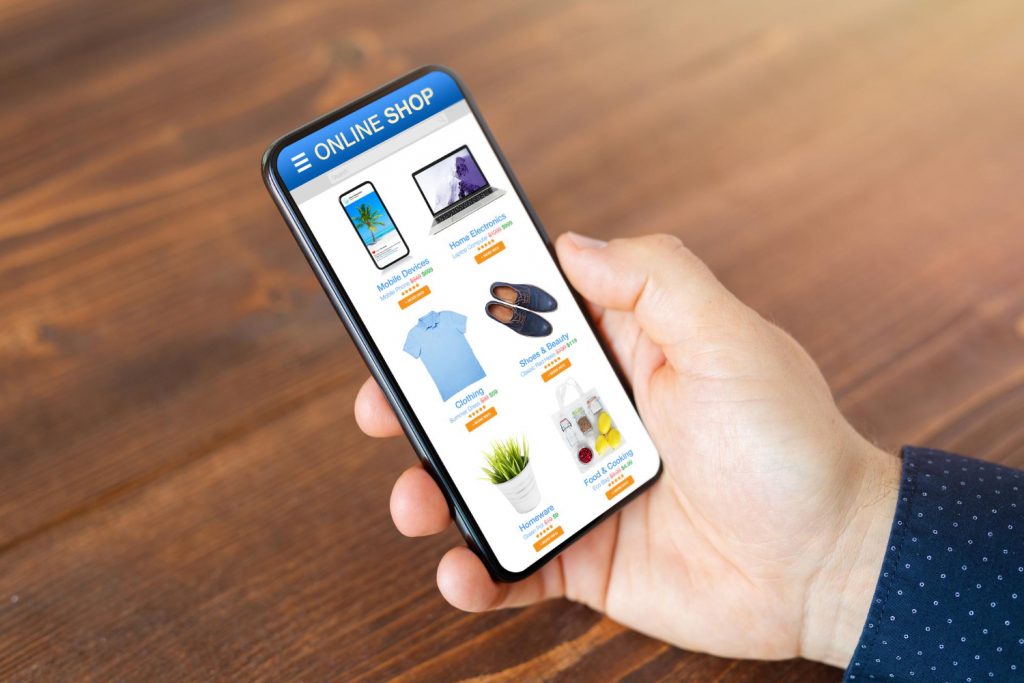
Successful WooCommerce stores in 2025 are not only about having a fully optimized website but also about making it easy for customers to access it on mobile, where the majority of shopping is done.
More than 70% of online shopping is currently done via smartphones, and if you only rely on your website, you will simply let the money slip through your hands.
The use of a dedicated WooCommerce mobile app not only heightens activity but also stages loyalty among customers in the long run.
We will take you through the reasons for the need for an app, how to make one, and the best resources for initiating the process in this tutorial.
Why Your WooCommerce Store Needs a Mobile App?
Nowadays, Mobile is the go-to choice for e-commerce, and the bar for customer satisfaction is set really high. An app delivers a quick and efficient shopping process compared to mobile websites, and thus, it becomes simple to get customer loyalty and continuous business.
Below you can find some advantages of transforming your WooCommerce store into a mobile app:
- Elevated Conversions – Native apps are good at lowering the obstacles and facilitating seamless checkouts.
- Stronger Customer Engagement – Sending push notifications helps not only to notify customers about promo offers but also to restore abandoned carts.
- Customer Loyalty Improvement – Just for the users of your app, branded savings and personalized offerings are two great motivators for return shopping.
- Offline Capability – Allow them access to the app content even with no internet connection available.
- Quicker Loading Times – Apps that are stored in devices return processes faster than mobile websites, which results in a significantly improved user experience.
Given today’s market environment, where everything revolves around mobile, having a dedicated WooCommerce app is not simply the next step; it is turning into a trend to keep up with the competition. Several top-rated mobile app development companies are now helping businesses build WooCommerce apps to stay ahead in this fast-paced market.
Things to Consider Before Building a Mobile App
A clear strategy is what you need to have before beginning the process of creating a mobile app for your WooCommerce outlet. The negative side of bypassing the step of proper planning and leaping headlong into the development phase is a poor user experience and additional expenses. These are the major elements that you should take into account:
- Outline the Objectives of Your App – Be sure about whether focusing on sales increment, customer loyalty, or brand awareness is what you would go for.
- Get acquainted with your Target customers – Look for answers to these questions: What drives them to shop? Which gadgets do they prefer? What are their expectations?
- Select the Development Method Most Suitable to You – Pay attention to budget and needs, and then opt for hybrid models, PWA, no-code, or custom native apps.
- Decide a Reasonable Budget and Timeline – It is necessary not to forget the financial aspects of research, marketing, and maintenance, next to production and testing.
- Keep Security and Payment Integrations on Top – Wire the transactions and establish good practices for keeping customer details safe.
Establishing upfront expectations and provisioning properly is the key to minimizing the time spent addressing issues, cutting down the wasted cost line, and most importantly, assuring the user has the best experience.
Methods to Create a WooCommerce Mobile App
From a wide variety of methods, you can pick to build an app for your WooCommerce store that suits your needs. The most appropriate approach is determined by how much money you want to spend, the level of customization you require, and the outcome you want to get. The most typical ways to do this are:
1. Hybrid Mobile App Development & Progressive Web Apps (PWA)
The hallmark of PWAs and hybrid apps is that they merge the features of websites and apps. They are easy on the budget, are compatible with all device types, and offer a user-friendly shopping experience without any app store downloads.
Best for: Shop owners who require an instant and cheap way of solving their problem.
2. WooCommerce Mobile App Plugins
Such plugins transform your WooCommerce store into a mobile app within a short time. They are accompanied by simple installation, product automatic sync, and pre-made WooCommerce integrations.
Best for: Store owners who prefer a minimal-cost, simple-to-launch application.
3. No-code platform for App Builders
Tools like AppMySite and MobiLoud provide fully usable apps without the need to code. They come with templates for fully functional apps; you just need to customize them to suit your needs, as they come with customization options you can drag and drop, and they give you apps ready for the app store.
Best for: Beginners and small businesses.
4. Custom Native App Development
In case you want to have the most control over your app, make it scalable and high-performing, the best option for you is to contact a WooCommerce development company to transform your WooCommerce store into your personalised app.
Best for: Brands that are expanding and looking for unique features and a high-end user experience.
4. 4 Best WooCommerce Mobile App Solutions in 2025
If you are not willing to spend months developing your WooCommerce mobile app but you still want to get the app on the market as soon as possible, the use of plugins and dedicated tools is the most logical way to take. In 2025, here is a glimpse at the four best solutions:
1. AppMySite
AppMySite is a no-code WooCommerce app builder that can be used to build an Android app and an iOS app without coding at all.
Key features:
Live Sync with WooCommerce Store: Whether you make changes to your products, stock, or order details, your mobile application will automatically be synchronized with your store so that there will be no time lag.
Live Sync with WooCommerce Store: Whether you make changes to your products, stock, or order details, your mobile application will automatically be synchronized with your store so that there will be no time lag.
Automatic Data Synchronization: Bring together product catalogs, customer information, and order data without any hassle between your WooCommerce store and mobile app.
Pros: The product is very user-friendly, low-priced, and beginner-friendly.
Cons: The design freedom is limited to advanced users only.
Pricing: The starting price is approximately $9 per month, which is appropriate for small and medium-sized stores.
2. MobiLoud
MobiLoud is a premium app that takes your WooCommerce site and turns it into a fully native app. It provides the customer with a quick launch, a stable working environment, and total freedom for the adjustment of the design to the client’s brand identity.
Key features:
Push Notifications for Promotions & Cart Recovery: By means of personalized offers, abandoned cart notifications, and promotional alerts delivered to their devices, attract your customers again.
White-Label Branding for a Professional Look: The app is customized to your business to the extent that the logo, colors, and branding elements are used to provide a professional, store-branded experience. This level of personalization is made possible through custom app development, ensuring the app aligns perfectly with your brand identity.
Pros: Native apps of high quality and great support.
Cons: More expensive than other solutions.
Pricing: The starting point is $200 per month, which is ideal for businesses with larger budgets that allow the business to grow.
3. FluxStore (by InspireUI)
FluxStore is a flexible template based on Flutter for WooCommerce apps. It is different from no-code tools as it allows changes to the full source code for maximum pliability.
Key features:
Support for Multi-Vendor Stores: Managing multiple vendors within a single WooCommerce mobile app will no longer be a hassle that stops you from configuring a marketplace-style store.
Multiple Payment Gateways: Customers will be able to check out without experiencing delays or difficulties since you can insert many secure and popular payment methods at your store.
High-Speed Flutter Framework: The use of Google’s Flutter technology has made it possible for the cross-platform app to be simple, fast, and responsive on both Android and iOS.
Pros: This device is built to deliver excellent performance and is also very versatile when it comes to customization.
Cons: Either you must be quite tech-savvy or have a technician at your disposal if you require assistance.
Costs: It can be bought once at a price of around $79 through CodeCanyon.
4. WooCommerce AppMaker
WooCommerce AppMaker is the expert in making mobile apps that are a perfect fit for WooCommerce stores.
Key features:
One-Click Product & Inventory Sync: Access your mobile app and retrieve the information of your Woo store products, prices, stock, and orders in real-time.
Multi-Currency & Multilingual Support: Turn your store into a customer-friendly global presence by offering shopping in multiple currencies and languages.
Built-in Push Notifications & Analytics: Reach out to shoppers from all over the world and give them a store that speaks their language and that offers prices in their currency.
Pros: It is charmingly built for WooCommerce and comprises several features related to e-commerce.
Cons: Customization is limited when it comes to full custom app design.
Pricing: It is great that it starts from about $99 per month, which is perfect for businesses that are looking for a compromise between cost and features.
Key Features Every WooCommerce Mobile App Should Have
The creation of a mobile app for a WooCommerce store does not mean that you only get mobile access it; in fact, it enables you to provide a quick, seamless, and personalized shopping experience. You can also avail top-notch mobile app development services to build a smooth app that continues to gain customer loyalty. It must contain the following must-have features:
- Seamless Checkout & Payment Integration – Make the process of purchasing faster with safe, one-click payments.
- Push Notifications – Let personalized offers, order tracking, and cart reminders, which, in turn, contribute to a rise in your users’ activity, be received by your users.
- Personalized Recommendations – Tap into consumer conduct and past buying to feature related products.
- Offline Browsing – Let users access previously loaded products without a net connection.
- Real-Time WooCommerce Sync – Keep your products, pricing, as well as stock updated steadily through automation.
Multi-Currency & Multilingual Support – Extend your business reach with locally customized experiences.
If you want a business-tailored, feature-rich, and highly optimized app, the best way to do it is through the assistance of a bespoke custom WooCommerce development company that will create a solution that matches your goals perfectly.
Conclusion
Simply put, a WooCommerce website is not sufficient in this day and age of a mobile-driven eCommerce market. In fact, a dedicated mobile application will have more user-friendly options and turn more visitors into buyers. Besides, through a combination of the free no-code builders like AppMySite or the premium services like MobiLoud alongside developer tricks such as FluxStore and WooCommerce devoted to working as AppMaker, your verdict is a matter of budget and mission.